




Does DNS Use TCP or UDP? Understanding When DNS Uses Each Protocol
The Domain Name System (DNS) is one of the most important services on the internet. Every time you visit a website, send an email, or connect to an online service, DNS translates the domain name (such as example.com) into an IP address that computers use to communicate.
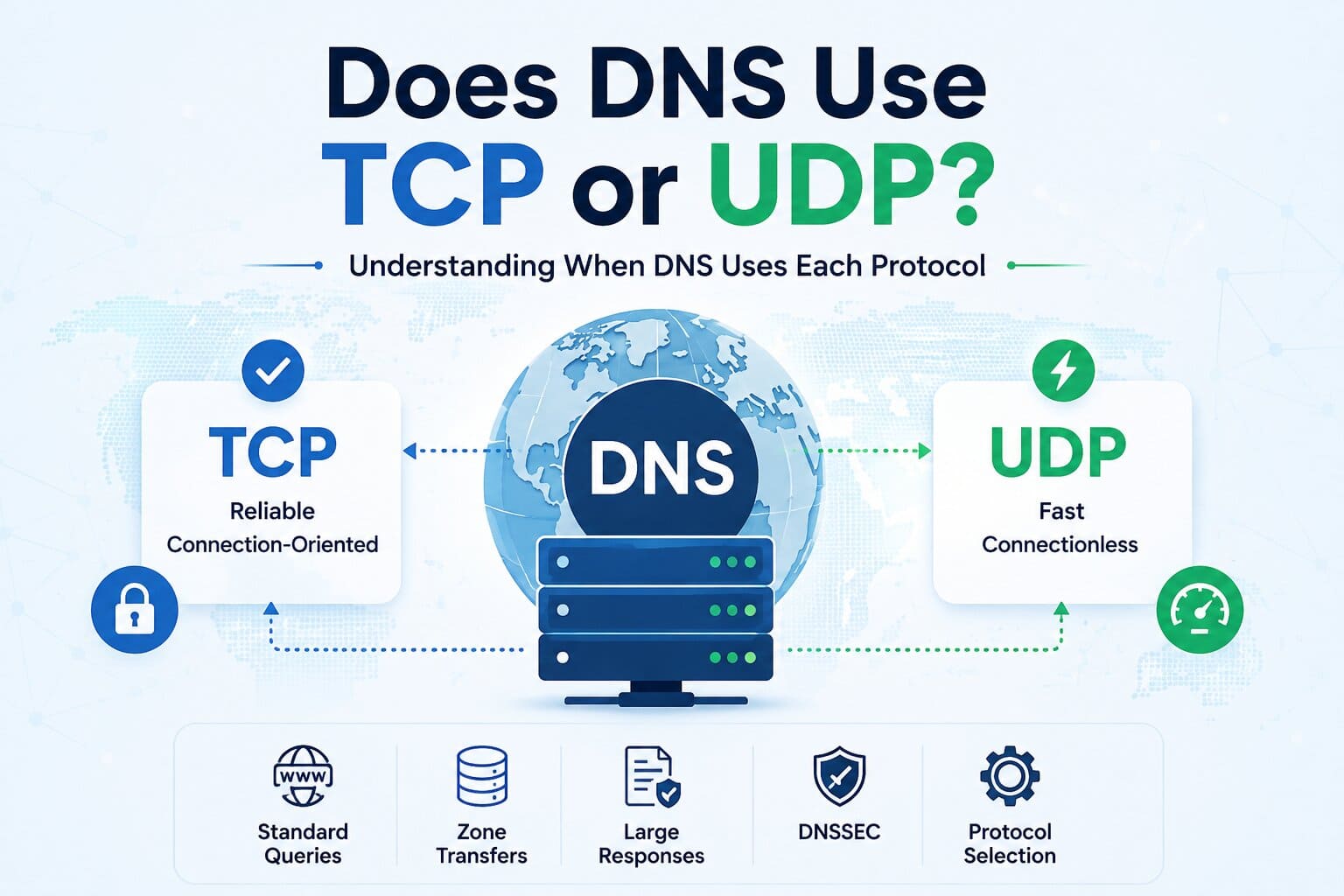
A common question among system administrators, developers, and networking professionals is whether DNS uses TCP, UDP, or both. The answer is both. DNS primarily uses UDP for standard queries because it is fast and efficient, while TCP is used in specific situations where reliable data transfer or larger responses are required.
Understanding how DNS uses these protocols can help you troubleshoot DNS issues, configure firewalls correctly, and manage DNS servers more effectively.
Why Does DNS Use UDP?
UDP (User Datagram Protocol) is the default protocol for most DNS queries. It is a connectionless protocol, meaning it sends data without first establishing a connection between the client and the DNS server.
This makes UDP ideal for DNS lookups because:
- It provides faster response times.
- It has lower network overhead.
- It consumes less bandwidth.
- It efficiently handles millions of DNS requests every second.
For example, when you type www.example.com into your browser, your computer typically sends a DNS query using UDP on port 53. Since most DNS responses are relatively small, UDP offers the best balance of speed and efficiency.
When Does DNS Use TCP?
Although UDP is the preferred protocol for standard DNS queries, TCP (Transmission Control Protocol) is used when reliable communication or larger data transfers are necessary.
DNS uses TCP in situations such as:
- DNS Zone Transfers (AXFR and IXFR) between primary and secondary DNS servers.
- Large DNS responses that exceed the supported UDP packet size.
- DNSSEC-enabled responses, which often contain additional security-related information.
- Truncated UDP responses, where the client automatically retries the query using TCP.
Unlike UDP, TCP establishes a connection before transmitting data, ensuring that all packets are delivered accurately and in the correct order.
DNS Over UDP vs TCP
| Feature | UDP | TCP |
|---|---|---|
| Connection Type | Connectionless | Connection-oriented |
| Default DNS Queries | Yes | No |
| Zone Transfers | No | Yes |
| Speed | Faster | Slightly slower |
| Reliability | Moderate | High |
| Network Overhead | Low | Higher |
What About the 512-Byte DNS Limit?
Older DNS implementations limited UDP responses to 512 bytes. If a response exceeded this size, the DNS server marked it as truncated, prompting the client to retry the request over TCP.
Today, most DNS servers support Extension Mechanisms for DNS (EDNS), which allow much larger UDP responses. However, TCP is still required if the response exceeds the negotiated UDP size or when reliable delivery is essential.
Best Practices for DNS Administrators
To ensure reliable DNS communication:
- Allow both TCP and UDP traffic on port 53 in firewall configurations.
- Permit TCP for DNS zone transfers between authorized DNS servers.
- Monitor DNS server logs for repeated TCP fallback or failed queries.
- Restrict zone transfers to trusted secondary DNS servers only.
- Regularly test DNS resolution using tools such as nslookup or dig.
Proper firewall configuration and DNS monitoring help prevent resolution failures and improve overall network reliability.
Conclusion
DNS uses both UDP and TCP, with each protocol serving a specific purpose. UDP handles the majority of DNS lookups because it is fast and lightweight, making it ideal for everyday name resolution. TCP is used for zone transfers, large DNS responses, DNSSEC, and situations where reliable data delivery is required.
Understanding when DNS switches between UDP and TCP enables administrators to troubleshoot DNS issues more effectively, secure their infrastructure, and maintain reliable network communication.
Frequently Asked Questions
Does DNS use TCP or UDP?
DNS uses both protocols. UDP is used for most standard DNS queries, while TCP is used for zone transfers, large responses, DNSSEC, and truncated UDP responses.
Which port does DNS use?
DNS uses port 53 for both TCP and UDP communication.
Why is UDP preferred for DNS queries?
UDP is faster because it does not establish a connection before transmitting data. This reduces network overhead and improves query performance.
When does DNS switch from UDP to TCP?
DNS automatically switches to TCP when a response is too large for UDP, during DNS zone transfers, or when reliable delivery is required.
Should firewalls allow both TCP and UDP on port 53?
Yes. Allowing both protocols ensures that standard DNS queries, zone transfers, and larger DNS responses function correctly.
Need Help Managing DNS on Your Servers?
ACTSupport’s engineers handle DNS configuration, zone transfers, firewall rules, and troubleshooting
for hosting providers and businesses that need reliable name resolution around the clock.
-
Previous Post
PRTG Network Monitor
-
Next Post
Plesk VPS Migration for plesk 9 series



