



July 9, 2026
How Do Enterprise Cloud Infrastructure Management Services Optimize WordPress 7.0 Architectures?
Wordpress,Wordpress,Cloud infrastructure management services provide the underlying systems engineering, performance tuning, and database optimization required to run WordPress 7.0 at high-traffic scales. The standard WordPress 7.0 “Armstrong” release introduces several major architectural changes. It integrates a provider-agnostic native AI Client, requires a minimum PHP 7.4 runtime, and shifts media optimization to the client side. These…
Read more
June 25, 2026
What is the real difference between WordPress maintenance and WordPress management?
Wordpress,INTRODUCTION What is the real difference between WordPress maintenance and WordPress management? WordPress maintenance handles updates, patches, and backups at the application layer. WordPress management extends far beyond updates and controls the full operational lifecycle including performance engineering, infrastructure tuning, security hardening, and scalability orchestration. Businesses often confuse these two models and assume they are…
Read more
June 16, 2026
What’s New in WordPress 7.0 “Armstrong”: Production Server Management Impact Guide
Wordpress,Summary: WordPress 7.0 “Armstrong” introduces a major architectural shift toward dynamic, API-driven rendering and higher backend concurrency across core operations. This change increases dependency on real-time processing, which directly raises CPU utilization, memory consumption, and database query load in production environments. VPS and cloud hosting setups experience higher resource contention due to simultaneous PHP worker…
Read more
May 30, 2026
Why WordPress Websites Crash During Plugin Updates?
Wordpress,Wordpress,Summary: WordPress websites often crash during plugin updates due to compatibility issues, PHP version mismatches, memory exhaustion, incomplete updates, and plugin or theme conflicts. When a plugin is updated, it may introduce changes that are not fully supported by the existing WordPress core, theme, or other installed plugins, leading to fatal errors or the white…
Read more
May 18, 2026
How Can You Secure a WordPress Website from Hackers and Malware in 2026?
Content management system,Wordpress,Summary: Securing an enterprise WordPress deployment in 2026 requires moving beyond unreliable application-level plugins and adopting a server-enforced, zero-trust security model. By implementing edge-level filtering, file system immutability (using chattr +i), PHP process isolation, and hardware-backed authentication, organizations can significantly reduce critical risks such as remote code execution (RCE), XML-RPC abuse, and SQL injection. A…
Read more
April 15, 2026
WordPress Images Not Displaying? Resolve Cache & File Permission Errors
Content management system,Wordpress,Key Infrastructure Takeaways: WordPress images fail to load primarily due to incorrect file permissions, corrupted caching layers, or mixed content errors following an SSL migration. We found that most production failures stem from a mismatch between server-side cache (like NGINX or Varnish) and optimization plugins. To fix this, you should set /wp-content/uploads permissions to 755…
Read more
April 8, 2026
Fix WordPress Plugin Conflict: Root Cause Analysis & Server-Level Solutions Explained
Linux General,Server Management Services,Wordpress,Wordpress,Infrastructure engineers fix WordPress plugin conflicts by performing deep root cause analysis at the server level rather than relying on trial-and-error dashboard clicks. This process involves isolating PHP execution errors, database deadlocks, and resource contention issues using command-line tools and system logs. Resolving a Fix WordPress Plugin Conflict scenario requires a systemic approach to identify…
Read more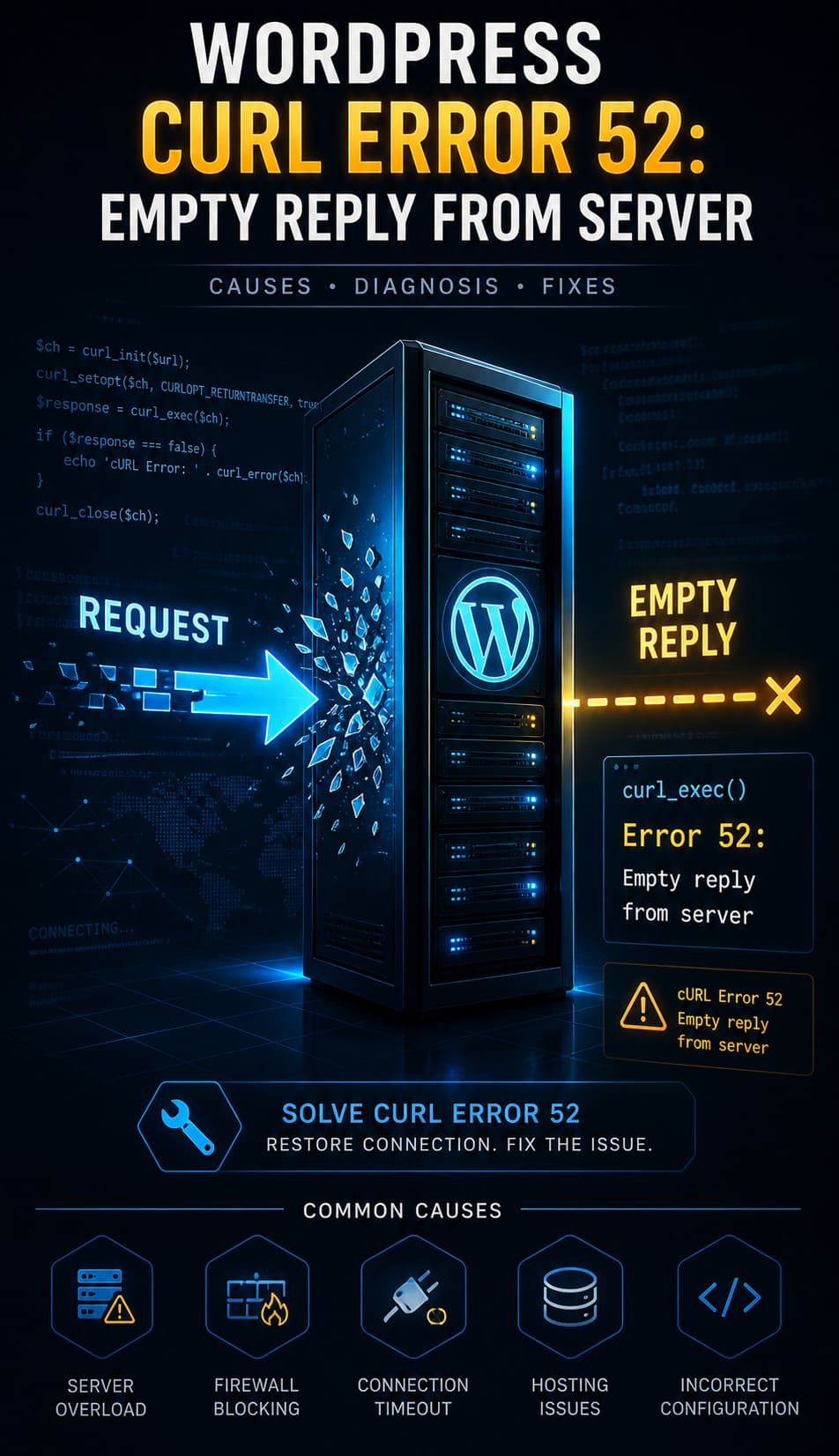
May 29, 2025
How to Fix WordPress Curl Error 52: Empty Reply from Server (2026 Guide)
Content management system,Wordpress,In WordPress, the message "curl error 52: empty reply from server" typically reflects a critical failure in establishing a proper response from the server. This issue can stall external API calls, break plugin functionalities, and disrupt core operations. It’s not just an inconvenience-it’s a breakdown in the request-response cycle that WordPress relies on.
Read more



