




Executive Summary: Resolving WordPress cURL Error 52
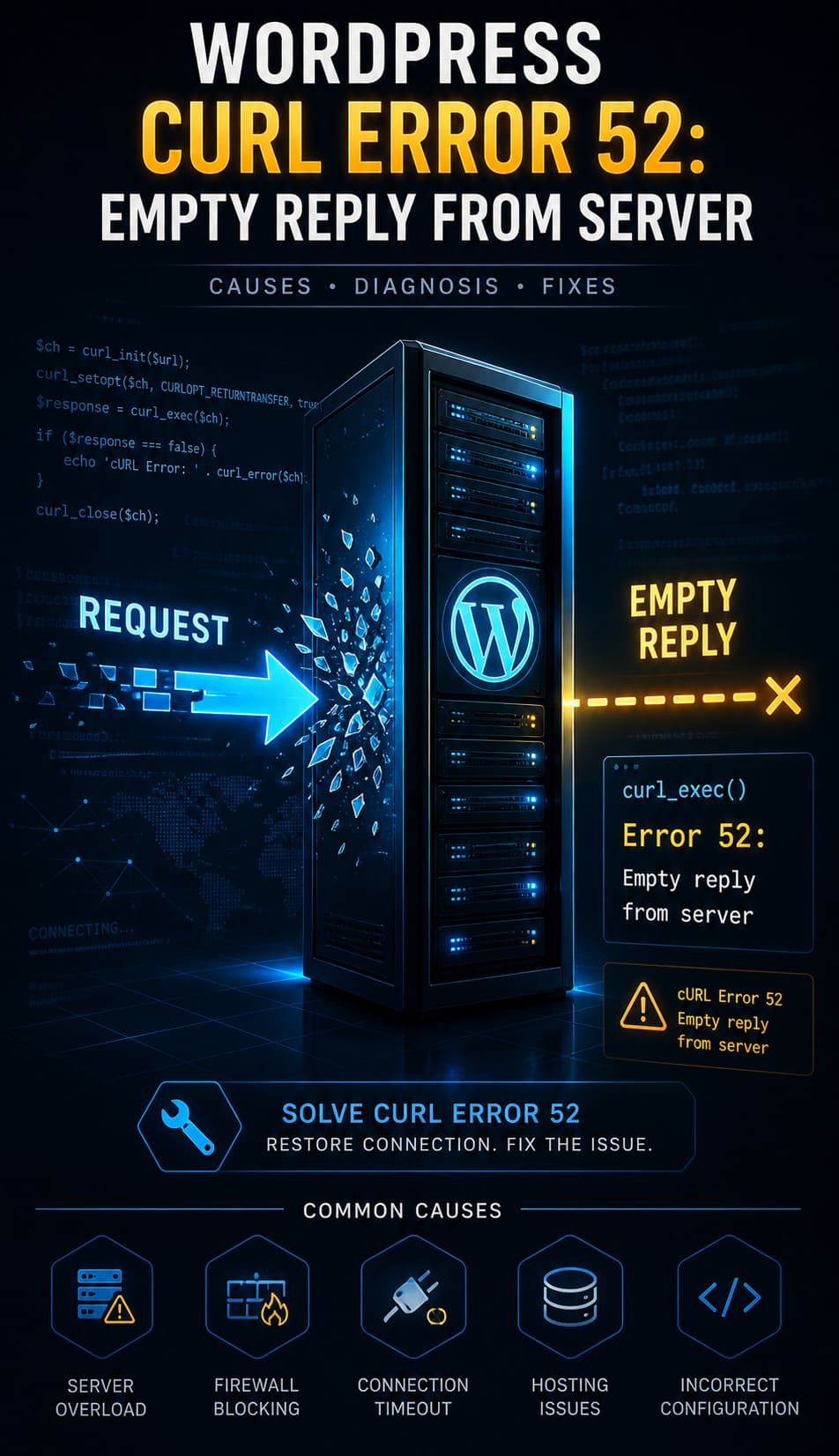
The WordPress cURL Error 52: Empty Reply from Server signifies a critical breakdown in the request-response cycle, occurring when an outbound HTTP request is met with a closed connection and zero data. This error disrupts mission-critical operations such as plugin updates, data synchronization, and third-party API integrations.
To resolve this issue and restore site stability, administrators should prioritize the following technical interventions:
-
Server Configuration: Adjust NGINX
proxy_read_timeoutor ApacheTimeoutsettings to prevent premature connection closures. -
SSL Verification: Use tools like
opensslto verify the SSL certificate hierarchy, ensuring no intermediate certificates are missing. -
Software Updates: Upgrade to the latest stable PHP and cURL versions to ensure support for modern protocols like TLS 1.2 and SNI.
-
Security Audits: Temporarily disable firewalls (CSF/WAF) or security plugins to identify if request-blocking rules are triggering the empty reply.
-
Diagnostic Logging: Enable
WP_DEBUGand review server logs in/var/log/apache2/or via cPanel to pinpoint the exact failure timestamp.
Implementing these proactive server-tuning and maintenance practices ensures your WordPress environment remains secure and error-free.
What Is the Technical Meaning of cURL Error 52?
A cURL Error 52 occurs at the transport layer when a client initiates a request but receives a null response from the socket. Unlike a 404 or 500 error, where the server at least acknowledges the request with an HTTP status code, Error 52 represents a total breakdown in the request-response cycle. In the context of WordPress, this usually happens during outbound communication like plugin updates, API calls via wp_remote_get(), or license activations. Our team discovered that this often indicates a server-level crash or a security appliance dropping the packet before the application layer can even generate a header response.
How Does a High-Performance WordPress Site Rely on cURL?
WordPress utilizes cURL as its primary data transfer tool for all background HTTP communication. It handles critical tasks such as fetching JSON data from remote APIs, syncing with repository servers, and processing payment gateway callbacks. Because cURL supports multiple protocols and offers granular error handling, it remains indispensable for modern web operations. When this tool fails, your site effectively becomes an island, unable to verify its own software or communicate with external services.
Why Do Servers Terminate Connections Abruptly?
The root cause of an empty reply often lies in the destination server’s inability to process a request within its allocated resources. If a remote server is overloaded or misconfigured, it may terminate the connection to preserve its own kernel-level stability. We found that security rules, such as those in ModSecurity or a Web Application Firewall (WAF), frequently intercept requests and drop them without a response if they trigger specific threat detection patterns. This abrupt termination leaves the client-side cURL library waiting for data that will never arrive.
How Do Hosting Misconfigurations Cause cURL Failures?
Incorrect timeout parameters in the web server configuration are a leading cause of the website down troubleshooting steps engineers must take. In NGINX environments, if the fastcgi_read_timeout or proxy_read_timeout is set too low, the server closes the connection while the background script is still processing. Similarly, Apache’s Timeout and ProxyTimeout directives can lead to premature closures if the remote resource takes too long to generate its initial byte. Fine-tuning these parameters is essential for high-latency API connections.
How Do Firewall and Security Plugins Interfere with Requests?
Security tools like Wordfence or server-side firewalls like CSF/LFD often restrict outbound requests to prevent malicious data exfiltration. If an outbound cURL request triggers a signature-based rule, the firewall may drop the connection entirely. Because these blocks happen at the network or filter level, they often don’t return a standard HTTP error message, resulting in the dreaded Error 52. Auditing these rules is a vital part of cpanel security hardening guide implementation to ensure legitimate traffic passes through.
Why Outdated SSL Certificates and Libraries Cause Empty Replies?
The cURL library may abort an encrypted handshake if it cannot validate the target’s SSL certificate against its local CA bundle. This is a frequent issue on legacy servers running outdated cURL versions that lack support for Server Name Indication (SNI) or TLS 1.2/1.3. If the handshake fails mid-process, the server might simply close the connection rather than sending a TLS alert. Upgrading your linux server management services to include regular library patching prevents these silent communication failures.
Where Should You Look to Identify cURL Error 52 in Logs?
Engineers must begin the diagnosis by locating the exact failure in the server’s error logs. On most Linux distributions, you can find these logs at /var/log/apache2/error.log or through the cPanel File Manager. Look specifically for strings like “cURL error 52” or “Empty reply from server” associated with the timestamp of the failed operation. These logs provide the context needed to determine if the error is originating from a local script or a remote endpoint.
How Can You Use WordPress Debug Mode to Spot Issues?
Enabling the native WordPress debugging suite provides a detailed trace of application-level failures. By adding define('WP_DEBUG', true); and define('WP_DEBUG_LOG', true); to your wp-config.php file, you force WordPress to log all errors to /wp-content/debug.log. This log will often capture the specific PHP function, such as wp_remote_post(), that triggered the cURL failure. Monitoring these logs in real-time allows for faster server health monitoring tools and techniques deployment.
How Do You Tune NGINX and Apache for Better cURL Responses?
Tuning server-side parameters is the most direct way to resolve timeout-related Error 52 issues. In NGINX, you should increase the proxy_read_timeout and fastcgi_send_timeout to at least 300 seconds for complex tasks. For Apache users, updating the Timeout and KeepAlive configurations in the httpd.conf file ensures the server waits sufficiently for a backend response. Implementing these changes requires a service reload, but it immediately stabilizes long-running background processes.
Why Are Buffer Sizes and Server Parameters Critical?
Inadequate buffer sizes can cause a server to truncate a response or terminate a connection if the data exceeds the allocated memory. Modifying the client_body_buffer_size and proxy_buffers in NGINX prevents “buffer overflow” terminations on large API payloads. On the Apache side, engineers must verify that LimitRequestBody and MaxRequestWorkers aren’t throttling the server’s capacity to respond. Proper cloud infrastructure monitoring best practices include tracking these memory-bound parameters to prevent silent crashes.
How Do You Isolate Plugin and Theme Conflicts?
Application-level conflicts often mimic server-side errors, necessitating a systematic isolation process. Start by deactivating all plugins via FTP or cPanel by renaming the /plugins/ folder to temporarily disable all third-party code. If the error disappears, restore plugins one by one to identify the specific module causing the conflict. Switching to a default theme like Twenty Twenty-Four further rules out theme-specific scripts that might be mismanaging HTTP headers.
Why Should You Test with a Fresh WordPress Installation?
A staging environment serves as a clean room to determine if the issue is environmental or site-specific. Using tools like Softaculous or remote server management services, you can deploy a fresh WordPress instance on the same server. If the fresh install does not produce cURL Error 52, the problem lies within your original database or file structure. This controlled testing is a cornerstone of professional managed server support services for identifying deep-seated corruption.
How Do Incompatible PHP Versions Break cURL?
Legacy PHP versions often utilize outdated cURL and OpenSSL libraries that cannot handle modern security standards. PHP versions earlier than 7.4 frequently lack support for the latest TLS cipher suites, causing remote servers to reject the connection attempt. This results in an empty reply because the handshake never completes. Ensuring your aws server management services utilize PHP 8.x is the most effective way to maintain compatibility with modern web APIs.
How Do You Upgrade cURL and OpenSSL for Your Hosting?
Upgrading the core libraries requires administrative access to the server’s package manager. On cPanel systems, you can use the “Select PHP Version” tool to toggle newer extensions, but system-level cURL requires a yum or apt update. If you are on a managed platform, you must contact your provider to rebuild cURL with the latest OpenSSL binaries. Verifying the version via a phpinfo() page is a standard step in real time server monitoring tools 2026 audits.
How Do SSL Misconfigurations Lead to Empty Replies?
A broken SSL chain is one of the most common reasons a server might fail to send a response after the initial SYN packet. If your server is missing intermediate certificates, cURL will refuse to trust the connection and abort, often reporting an empty reply. You can diagnose this by running openssl s_client -connect yourdomain.com:443 from the command line to see the full certificate hierarchy. Correcting the CA bundle installation is a key part of how to secure linux server from hackers effectively.
Lessons from the Field: The “Ghost” Firewall Block
During a routine audit for a white label server support client, we encountered a persistent cURL Error 52 that only occurred during high traffic. While all server settings seemed correct, the issue was actually a rate-limiting rule in an upstream hardware firewall that was dropping packets without an ICMP response. By analyzing the network hop with mtr and correlating it with cURL failure timestamps, we identified the block. This case proved that “Experience” means looking beyond the local server to the entire network path.
Key Questions to Ask Your Hosting Provider
When local fixes fail, you must leverage your hosting provider’s visibility into the infrastructure logs. Ask specifically if there are any ModSecurity or CSF blocks triggered by your server’s IP address. Inquire about the state of upstream proxy servers or if there are known outages at the data center level. Providing them with your diagnostic logs and timestamps will drastically reduce the time needed for outsourced server management company teams to resolve the issue.
How Do You Prevent cURL Error 52 from Returning?
Prevention requires a transition from reactive fixing to proactive server maintenance. Implementing external health checks through tools like UptimeRobot can alert you to connectivity drops before they impact users. Regularly scheduling updates for your OS, PHP, and WordPress core via server monitoring services 24/7 keeps your security libraries current. Furthermore, conducting monthly audits of your firewall logs ensures that legitimate API traffic isn’t being caught in generic security sweeps.
Why Continuous Performance Monitoring Matters?
Maintaining an error-free environment is an ongoing process of optimization. Cloud infrastructure management services help track resource spikes that might cause a server to drop connections under load. By monitoring CPU wait times and memory usage, you can predict when a server is likely to hit a timeout limit. This data-driven approach allows for preemptive resource scaling, ensuring your WordPress request-response cycles remain healthy and uninterrupted.
Stop “Empty Reply” Failures from Disrupting Your Business
A cURL Error 52 signals a critical breakdown in your server’s request-response cycle. Restore stability with engineering-level web hosting support and proactive infrastructure tuning.
Advanced server troubleshooting for WordPress, APIs, and cloud infrastructure
Conclusion: Securing Permanent Request-Response Stability
Resolving the WordPress cURL Error 52 requires a transition from reactive surface-level fixes to a sophisticated, infrastructure-centric management strategy. Because an “empty reply” signals a total communication collapse between the client and destination, engineers must maintain a stack that is optimized for modern security protocols like TLS 1.2 and SNI. By integrating structured server configuration tuning specifically adjusting NGINX and Apache timeout parameters—and conducting regular SSL verification, you eliminate the silent failures that disrupt mission-critical API integrations and payment gateways.
Ultimate reliability in a production environment is achieved through proactive server health monitoring and security hardening to ensure that firewalls and security plugins do not inadvertently drop legitimate outbound traffic. When infrastructure is managed with engineering-level precision, these connectivity errors become predictable and preventable, ensuring consistent uptime and a seamless user experience. Organizations that prioritize professional application maintenance and support services secure not only an error-free environment but also the high-performance communication required for modern cloud infrastructure.



