




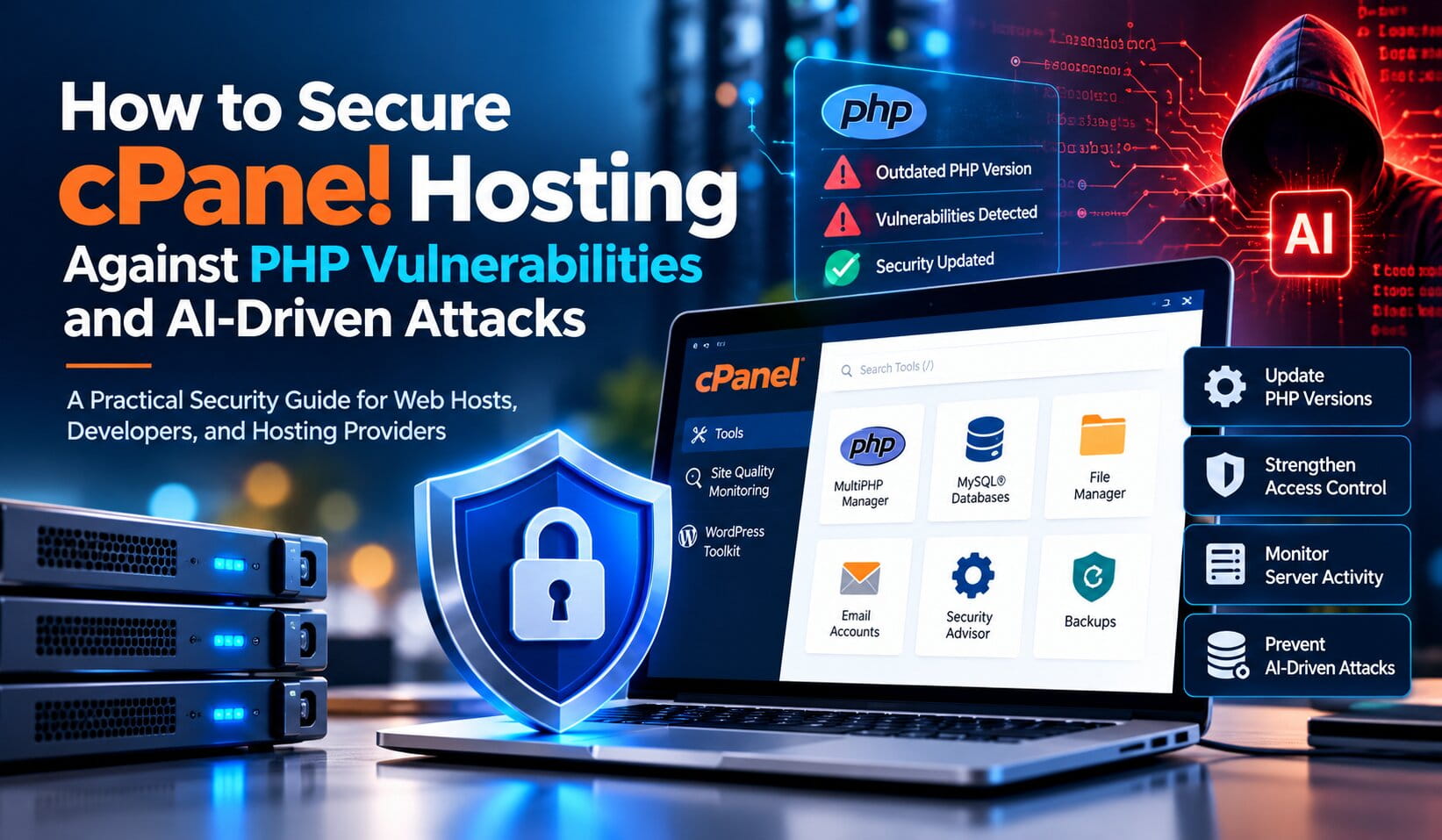
A Practical Security Guide for Web Hosts, Developers, and Hosting Providers
cPanel simplifies website and server management, but a hosting control panel alone cannot guarantee that websites are secure. Outdated PHP versions, vulnerable WordPress plugins, compromised credentials, insecure file permissions, and misconfigured services can expose hosting environments to attacks.
Artificial intelligence adds another dimension to this challenge. AI-assisted tools can help developers identify code weaknesses, but attackers can also use automation to investigate exposed websites and accelerate vulnerability discovery. Hosting providers must therefore combine proactive security maintenance with effective monitoring and incident response.
For web hosting companies, managed service providers (MSPs), and businesses running PHP applications, securing cPanel hosting means protecting the control panel, individual hosting accounts, application code, and underlying server infrastructure.
Why cPanel Hosting Requires a Proactive Security Strategy
A cPanel server may host multiple websites, databases, email accounts, and applications. Each component introduces potential security risks if it is not maintained properly.
Common threats include:
- Outdated PHP versions: Unsupported or unpatched runtimes may contain publicly known vulnerabilities.
- Vulnerable plugins and themes: WordPress extensions and other application components can introduce exploitable weaknesses.
- Compromised credentials: Stolen passwords may allow attackers to access control panels, FTP accounts, or website administration interfaces.
- Insecure file permissions: Excessive permissions can allow unauthorized modification of website files.
- Malware and backdoors: Previously compromised websites may contain malicious scripts or persistent access mechanisms.
- Misconfigured server services: Unnecessary services or weak security settings can increase the attack surface.
AI-assisted reconnaissance can make it easier for attackers to investigate exposed systems. However, these risks do not mean that every cPanel server is vulnerable. Actual exposure depends on the installed software, configuration, access controls, and patch status.
How to Secure cPanel Hosting Against PHP Vulnerabilities
1. Identify and Update Outdated PHP Versions
PHP security is a critical part of hosting infrastructure maintenance. Applications running outdated PHP branches may lack current security fixes, while applications using vulnerable releases may remain exposed even when the control panel itself is updated.
For cPanel users, the MultiPHP Manager interface displays the PHP version assigned to each domain where the feature is available. Server administrators can use WHM’s MultiPHP Manager and EasyApache 4 to manage installed PHP versions. <Cite refs={[“turn103059search0″,”turn103059search3”]}/>
Recommended actions:
- Inventory the PHP versions used by hosted domains.
- Compare installed versions with official PHP security advisories.
- Install supported PHP security updates through the appropriate hosting tools.
- Test application compatibility before changing a domain’s PHP version.
- Plan migrations away from unsupported PHP branches.
Important: Updating cPanel does not necessarily move every website to a newer PHP major version. Verify both the server’s installed PHP packages and each domain’s assigned runtime. <Cite refs={[“turn103059search4”]}/>
2. Strengthen cPanel and WHM Login Security
Compromised administrative credentials can expose websites, databases, email accounts, and hosting configurations. Strong authentication is therefore essential.
Hosting providers should enable two-factor authentication (2FA) for WHM administrators and support it for cPanel users where available. Use unique passwords, restrict administrative access to trusted networks where practical, and review accounts that no longer require access.
Additional precautions include:
- Remove unused FTP accounts and outdated access credentials.
- Review SSH access and authorized keys.
- Avoid sharing administrator accounts among team members.
- Review login activity for suspicious access attempts.
- Rotate credentials immediately if compromise is suspected.
cPanel provides documentation for enabling 2FA for cPanel and team users. <Cite refs={[“turn103059search12”]}/>
3. Review File Permissions and Website Directories
Incorrect file permissions can make it easier for attackers to modify website files or access sensitive configuration data.
Review ownership and permissions for website directories, uploaded files, configuration files, and application scripts. Apply least-privilege access so that users and application processes receive only the permissions they need.
Also examine upload directories and temporary locations. Uploaded files should not be executable unnecessarily, and sensitive configuration files should not be publicly accessible.
Avoid applying one blanket permission value across every directory and file. PHP applications have different requirements, and incorrect changes can break website functionality or create additional security problems.
4. Protect WordPress Websites and PHP Applications
Many cPanel hosting accounts run WordPress or other PHP-based applications. Securing the hosting account without maintaining the application leaves important vulnerabilities unresolved.
Developers and administrators should:
- Update WordPress core, themes, and plugins.
- Remove unused extensions and abandoned software.
- Review application code for SQL injection and cross-site scripting risks.
- Validate uploaded files and restrict dangerous file operations.
- Use prepared statements for database queries.
- Review administrator accounts and API credentials.
- Scan for suspicious changes to PHP files.
AI-generated code deserves the same security review as manually written code. Automated analysis can identify potential weaknesses, but findings should be verified before changes are deployed.
For a deeper look at AI-related code risks, read our related guide: Securing PHP in the AI Era: How to Spot and Fix Code Vulnerabilities Generated or Targeted by AI.
5. Use WHM Security Tools and Monitor Server Activity
WHM includes security-related tools that help administrators assess server configuration. The Security Advisor can analyze a cPanel & WHM system and recommend improvements based on the issues it detects. <Cite refs={[“turn103059search14″,”turn103059search15”]}/>
Use available security tools alongside routine maintenance and log monitoring.
Investigate unexpected PHP errors, unfamiliar administrator accounts, unusual resource consumption, unexplained file modifications, and suspicious requests. Where available, use malware scanning, intrusion detection, and centralized logging to improve visibility.
Automated security tools are not infallible. A clean scan does not prove that a server has never been compromised, and a security alert does not always indicate a successful attack. Validate findings and investigate suspicious behavior.
6. Maintain Backups and Prepare for Incident Recovery
Backups provide an important recovery option when a website becomes compromised, files are damaged, or a security update causes unexpected problems.
Maintain regular backups and store copies separately from the systems they protect. Test restoration procedures to confirm that backup files are usable and that recovery can be completed within acceptable business timelines.
If a cPanel account is compromised, investigate the incident, preserve relevant evidence, address the original entry point, and rotate potentially exposed credentials. Restoring a trusted backup from before the compromise may be appropriate, but the underlying weakness must also be resolved. <Cite refs={[“turn103059search13”]}/>
Do not assume that removing one malicious file is sufficient. Attackers may have modified other files, created additional accounts, or exposed credentials.
How ACTSupport Can Help Secure cPanel Hosting
Maintaining secure hosting environments requires ongoing technical attention. ACTSupport provides technical support services for businesses that need help maintaining websites, applications, and hosting infrastructure.
Depending on the environment and agreed scope of work, ACTSupport can assist with:
PHP version and compatibility checks: Identify potentially outdated runtimes, review application compatibility, and support appropriate upgrade planning.
Application troubleshooting: Investigate PHP errors, plugin conflicts, and website functionality issues arising during maintenance or security remediation.
Server security support: Help review permissions, configuration settings, exposed services, and suspicious application behavior.
Website maintenance: Assist with application updates, routine technical checks, and troubleshooting to help reduce avoidable security exposure.
Ongoing hosting support: Provide technical assistance for hosting providers and MSPs that need additional support capacity for application and infrastructure operations.
ACTSupport’s exact remediation scope depends on the hosting architecture, administrative access, and agreed service requirements.
✓
Need help securing your cPanel hosting environment?
Contact ACTSupport to discuss your PHP maintenance, website troubleshooting, and server security support needs.
Build a Repeatable cPanel Security Checklist
Use this checklist as part of routine hosting maintenance:
- Inventory domains, PHP versions, applications, and exposed services.
- Apply verified security updates to PHP, cPanel & WHM, and application components.
- Enable strong authentication and review administrative access.
- Remove unused accounts, plugins, themes, and services.
- Check file ownership, directory permissions, and sensitive configuration files.
- Monitor server logs and investigate suspicious activity.
- Maintain tested backups and a documented recovery process.
- Review security advisories and reassess exposed systems when critical vulnerabilities are disclosed.
A consistent maintenance process helps hosting teams reduce avoidable risks and respond more effectively when vulnerabilities emerge.
For a deeper technical understanding of PHP vulnerability mitigation, security patching, and remediation strategies, read our guide: [Mitigating PHP Vulnerabilities Exposed by AI: A Technical Guide for Web Hosts and Developers].
Frequently Asked Questions
How can I secure a cPanel hosting account?
Secure a cPanel account by using strong unique passwords, enabling two-factor authentication where available, maintaining supported PHP versions, updating applications, reviewing file permissions, and monitoring suspicious activity. Maintain tested backups to support recovery.
How do I check the PHP version in cPanel?
Open cPanel and look for MultiPHP Manager if your hosting provider has enabled it. The interface displays the PHP version assigned to each eligible domain. If the feature is unavailable, contact your hosting provider for the active PHP version and security-patch status.
Does updating cPanel automatically update PHP?
Not necessarily. cPanel applies updates to installed PHP packages according to the server’s update configuration, but it does not automatically upgrade every website to a newer PHP major version. Administrators must verify the installed runtime and domain-level PHP assignments.
Can AI-assisted attacks compromise cPanel websites?
AI-assisted techniques can help attackers investigate exposed applications and automate parts of vulnerability discovery. The actual risk depends on exploitable weaknesses, application configuration, access controls, and patch status. Strong authentication, timely updates, and monitoring help reduce exposure.
How do I protect WordPress websites hosted on cPanel?
Keep WordPress core, plugins, themes, and PHP updated. Remove unused components, review administrator accounts, secure file permissions, maintain backups, and investigate unexpected file changes. Also ensure that the underlying PHP runtime receives appropriate security updates.
What should I do if my cPanel website is infected with malware?
Investigate and contain the incident, preserve relevant logs, identify the entry point, and remove persistence mechanisms. Restore a trusted backup if appropriate, patch the original weakness, and rotate potentially exposed credentials. Consider qualified incident-response assistance for serious compromises.
Can ACTSupport help with cPanel and PHP security issues?
ACTSupport can assist with PHP maintenance, application troubleshooting, website support, and agreed server security tasks. The available services depend on the hosting environment, access permissions, and the scope of the engagement.
How often should cPanel servers undergo security reviews?
Review critical security advisories as they are published and apply relevant fixes according to risk and vendor guidance. Perform routine maintenance checks regularly, and reassess security after significant configuration changes, application updates, or suspected incidents.
Protect Your Hosting Environment with Proactive Security
Securing cPanel hosting requires more than a single configuration change. PHP maintenance, application security, access control, monitoring, and recovery planning must work together to reduce risk.
Hosting providers and developers should maintain visibility across every hosted application, prioritize verified security updates, and investigate suspicious activity promptly.
ACTSupport can help businesses maintain their applications and hosting environments through technical support, troubleshooting, and agreed security-related maintenance.
✓
Contact ACTSupport to discuss your cPanel hosting security and application support requirements.



