




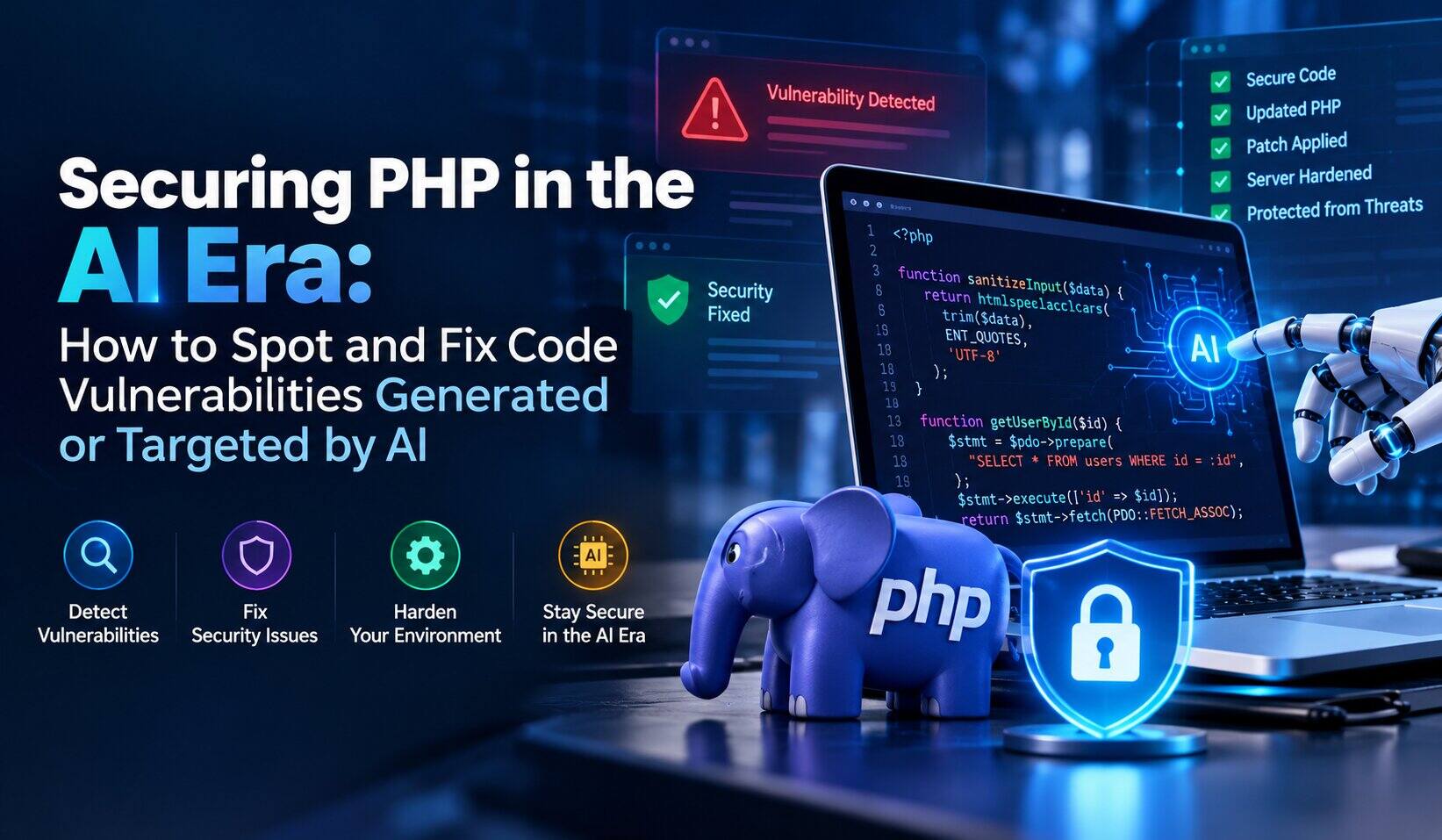
Artificial intelligence is transforming software development, enabling developers to generate PHP code, automate testing, and accelerate application deployment. However, AI-generated code can introduce security weaknesses, while attackers can use AI-assisted techniques to discover and exploit existing vulnerabilities.
For businesses running PHP applications, WordPress websites, APIs, and hosting infrastructure, these risks require a proactive security strategy. A single vulnerability in an application or its underlying PHP runtime can expose sensitive information, disrupt services, or compromise an entire server.
Recent PHP security disclosures highlight why organizations must maintain supported software, apply security patches promptly, and continuously evaluate application security. Understanding how vulnerabilities occur—and how to fix them—is essential for protecting business-critical systems.
How AI Is Changing PHP Application Security
AI coding assistants can generate database queries, authentication functions, API integrations, and file-handling routines in seconds. Although this improves development productivity, generated code may contain insecure assumptions, incomplete validation, or outdated implementation patterns.
AI can also assist attackers in analyzing publicly accessible applications, identifying exposed endpoints, and automating parts of vulnerability discovery. Consequently, organizations must address both vulnerabilities introduced during development and weaknesses targeted after deployment.
Common security risks include:
- SQL injection: Improperly constructed database queries allow attackers to manipulate database operations.
- Cross-site scripting (XSS): Untrusted content is rendered without appropriate output encoding.
- Broken access control: Applications fail to verify whether users are authorized to access sensitive resources.
- Unsafe file uploads: Inadequate validation allows dangerous files to enter application directories.
- Remote code execution: Vulnerable components or unsafe code paths may allow unauthorized execution of commands or code.
- Exposed credentials: API keys, database passwords, or other secrets are accidentally embedded in source code or logs.
AI-generated code should therefore undergo the same security review, testing, and approval process as manually written code.
Recent PHP Vulnerabilities: Why Immediate Action Matters
PHP security vulnerabilities can affect the runtime beneath a website, even when the application code appears secure.
When a critical vulnerability is disclosed, administrators should establish which PHP versions and configurations are affected, whether their hosting provider has applied the relevant fixes, and whether additional investigation is required.
For example, the PHP project publishes official security advisories describing affected versions and available patches. Administrators should consult the official PHP security archive and verify the precise technical details before applying a remediation plan.
Do not assume that updating WordPress, a plugin, or a theme automatically fixes a vulnerability in the PHP runtime itself. These are separate software components with separate update processes.
For production environments, prioritize exposed systems, apply verified security fixes, test application compatibility, and investigate suspicious activity if a vulnerable system may already have been targeted.
Five PHP Vulnerabilities Businesses Should Know How to Fix
1. SQL Injection and Improper Input Validation
Applications that construct SQL queries by concatenating user input may allow attackers to manipulate database operations. AI-generated code can introduce this weakness when the generated implementation prioritizes functionality over secure query handling.
How to fix it: Use prepared statements and parameterized queries through PDO or MySQLi. Validate input against expected formats, apply appropriate access controls, and encode output according to its context.
2. Cross-Site Scripting and Unsafe Output
PHP applications may display user-submitted information in pages, comments, dashboards, or administrative interfaces. Without suitable output encoding, malicious content can execute in another user’s browser.
How to fix it: Apply context-appropriate output encoding, validate input, and implement a suitable Content Security Policy as an additional defensive layer. Do not rely on input filtering alone to prevent XSS.
3. Unsafe File Uploads and File Inclusion
File upload functionality can expose applications when filenames, extensions, or content types are trusted without server-side verification. Dynamic file inclusion can also become dangerous when attackers influence the file path.
How to fix it: Allowlist permitted file types, generate server-side filenames, limit file sizes, and store uploads outside executable web directories where possible. Avoid including files using untrusted paths, and apply restrictive filesystem permissions.
4. Authentication and Authorization Failures
A user may successfully authenticate but still gain access to records or administrative functions they should not control. AI-generated code can overlook object-level authorization checks or implement inconsistent permission handling.
How to fix it: Enforce authorization on the server for every sensitive operation. Use established authentication libraries, secure session settings, multifactor authentication for privileged accounts, and appropriate audit logging.
5. Vulnerable PHP Runtimes and Dependencies
Applications may remain exposed because of outdated PHP versions, frameworks, plugins, libraries, or server components. Runtime vulnerabilities are especially important because they can affect multiple applications sharing the same environment.
How to fix it: Inventory PHP versions and dependencies, monitor official security advisories, apply supported patches, and plan upgrades for unsupported software. Test compatibility before deployment and verify the actual runtime after the update.
How to Detect AI-Generated and AI-Targeted Vulnerabilities
Effective detection requires multiple layers of testing rather than relying on a single AI tool.
Static application security testing (SAST): Analyze source code for unsafe database queries, dangerous functions, hardcoded credentials, and missing security controls.
Software composition analysis (SCA): Identify vulnerable third-party dependencies and outdated libraries using dependency inventories and security databases.
Dynamic application security testing (DAST): Assess running applications for common vulnerabilities, including injection flaws and access-control weaknesses. Testing should be authorized and performed within an agreed scope.
Manual security reviews: Examine sensitive code paths, authentication logic, file operations, and AI-generated functions that handle untrusted input.
Server and application monitoring: Review access logs, PHP errors, unexpected file modifications, suspicious administrator accounts, and abnormal request patterns.
Automated tools can produce false positives and miss complex vulnerabilities. Validate findings, prioritize them according to severity and exposure, and retest after remediation.
How ACTSupport Can Help Secure PHP Applications
Identifying a vulnerability is only the first step. Businesses also need technical assistance to investigate the issue, implement appropriate fixes, and verify that applications continue working correctly.
ACTSupport provides technical support services for businesses that need assistance maintaining applications and hosting infrastructure. Depending on the environment and agreed scope, ACTSupport can help with the following activities.
PHP Security Assessment and Remediation
ACTSupport can help assess PHP environments, identify potentially outdated components, review reported application vulnerabilities, and prioritize remediation based on business risk.
PHP Patching and Upgrade Support
Updating PHP may require compatibility checks for applications, frameworks, plugins, and extensions. ACTSupport can assist with security-update planning, implementation, troubleshooting, and post-update functionality testing.
Application Vulnerability Fixes
For custom PHP applications and supported web environments, ACTSupport can help investigate insecure queries, input-validation issues, file-handling weaknesses, and other application-level problems.
Server Security Hardening
ACTSupport can assist with reviewing server permissions, PHP configuration, web server settings, access controls, and unnecessary services. Appropriate logging and monitoring can also help administrators investigate suspicious activity.
Ongoing Application and Infrastructure Support
Security is an ongoing responsibility. Regular maintenance, dependency reviews, vulnerability assessments, and monitoring help businesses reduce avoidable exposure and respond more effectively to emerging threats.
✓
Need help securing your PHP environment?
Contact ACTSupport to discuss your application security, PHP patching, and server support requirements.
PHP Security Best Practices for Businesses
Organizations should adopt a repeatable security process:
- Maintain an inventory of internet-facing applications, PHP versions, and dependencies.
- Apply verified security updates promptly, prioritizing critical vulnerabilities.
- Remove unused plugins, libraries, extensions, and administrative accounts.
- Enforce least-privilege access and secure file permissions.
- Store credentials in secure configuration or secrets-management systems.
- Integrate code analysis and dependency scanning into development workflows.
- Review AI-generated code before deploying it to production.
- Monitor server activity and investigate suspicious changes.
- Maintain tested backups and a documented incident response plan.
- Retest security controls after remediation and major application changes.
A web application firewall can provide an additional layer of protection, but it cannot replace security patches, secure coding, or proper incident response.
Conclusion
AI is accelerating software development while changing how attackers discover application weaknesses. PHP security therefore requires attention to both the code developers create and the software infrastructure on which applications depend.
By combining secure coding practices, automated testing, supported PHP versions, timely patching, and continuous monitoring, organizations can reduce their exposure to common vulnerabilities.
ACTSupport can help businesses assess PHP environments, troubleshoot application security issues, support remediation, and maintain their application and hosting infrastructure according to their technical requirements.
Protect your PHP applications before a vulnerability becomes a business disruption. Contact ACTSupport to discuss your PHP security and application support needs.
Frequently asked questions
What are the most common PHP security vulnerabilities?
Common PHP security vulnerabilities include SQL injection, cross-site scripting, broken access control, unsafe file uploads, insecure file inclusion, exposed credentials, and vulnerabilities in outdated PHP runtimes or third-party dependencies.
Can AI-generated PHP code contain security vulnerabilities?
Yes. AI-generated PHP code can contain insecure database queries, insufficient input validation, missing authorization checks, or unsafe file-handling logic. Developers should review and test generated code before deploying it to production.
How do I check whether my PHP version is vulnerable?
Identify the PHP version actually serving your application through your hosting control panel, command-line tools, or server administration interface. Compare it with the affected and fixed versions listed in official PHP security advisories. Also verify whether your hosting provider has applied any vendor-specific security patches.
Does updating WordPress fix PHP security vulnerabilities?
Not necessarily. WordPress core, plugins, themes, and the PHP runtime are separate components. A vulnerability in the PHP runtime generally requires an appropriate runtime security update or verified vendor patch, while WordPress components must be updated independently.
How can I prevent remote code execution vulnerabilities in PHP?
Keep PHP and its dependencies patched, avoid unsafe dynamic code execution, validate file paths, restrict permissions, and review application code for exploitable input-handling flaws. Use authorized security testing and monitor systems for suspicious activity.
Can ACTSupport help fix PHP security vulnerabilities?
ACTSupport can help businesses assess PHP environments, troubleshoot application issues, support security patching and upgrades, review application-level weaknesses, and strengthen server configurations, subject to the environment and agreed service scope.
How often should PHP applications undergo security testing?
Test applications before significant releases, after major changes, and when relevant vulnerabilities are disclosed. Continuously monitor dependencies and security advisories, and perform periodic security assessments based on the application’s exposure, business importance, and risk profile.
What should I do if my PHP server may already be compromised?
Investigate suspicious activity immediately. Preserve relevant logs and evidence, restrict access or isolate affected systems where appropriate, rotate potentially exposed credentials, and restore from trusted backups only after addressing the underlying compromise. Engage qualified incident-response specialists when necessary. Applying a patch alone does not establish that a compromised server is safe.
✓
Need Help Securing Your PHP Environment?
Protect your PHP applications, WordPress websites, and hosting infrastructure with expert technical support from ACTSupport. Get help identifying vulnerabilities, applying security updates, and strengthening your server environment.



