




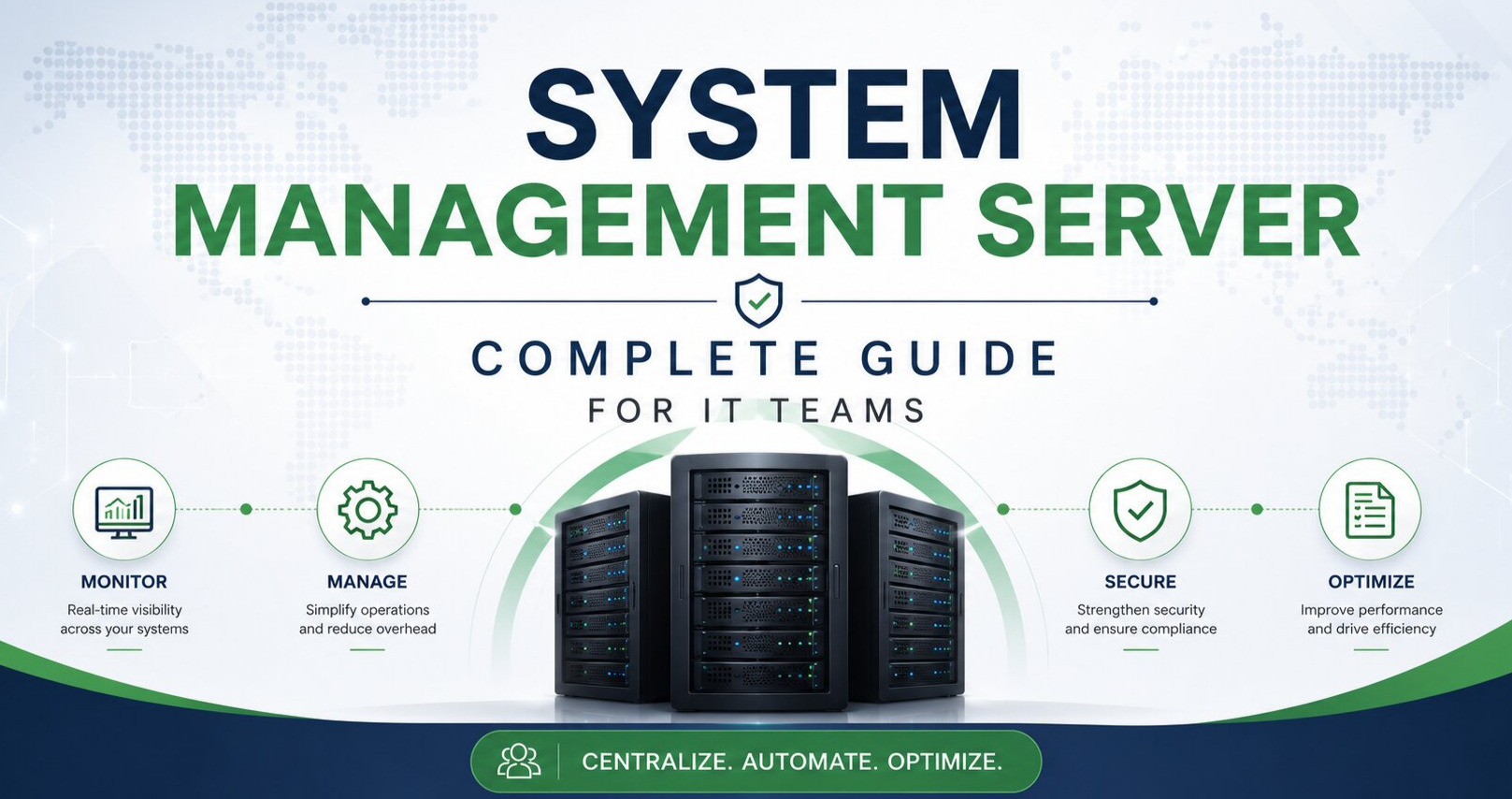
What Is a System Management Server and Why Does It Matter?
In any enterprise IT environment, servers don’t manage themselves. Behind every stable network, every patched endpoint, and every monitored application sits an unsung backbone — the System Management Server (SMS). Whether your team oversees 50 devices or 50,000, a well-configured SMS is the difference between proactive infrastructure control and endless firefighting.
At ACTSupport, we’ve managed over 5.3 million websites and enterprise environments globally since 2001. In that time, one truth has held constant: teams that invest in proper server management infrastructure resolve issues faster, maintain stronger uptime, and reduce operational costs significantly. This guide breaks down everything your IT team needs to understand about system management servers — from core functions to real-world deployment.
What Does a System Management Server Do?
A system management server acts as the centralized command hub for your IT infrastructure. Rather than logging into individual machines to check status, push patches, or diagnose problems, your team gets a single pane of glass to oversee everything.
Core functions include:
Software Distribution and Patch Management
The SMS pushes software packages, OS updates, and security patches to endpoints across your network. Automated patch cycles reduce the window of vulnerability that attackers exploit.
Hardware and Software Inventory
Devices connected to the SMS continuously submit their hardware and software inventory information. Your team always knows what hardware is in use, which software versions are installed, and when licenses are due for renewal.
Remote Control and Diagnostics
Instead of dispatching a technician, IT staff can remotely access any managed endpoint, run diagnostics, restart services, or reconfigure settings without leaving their desk.
Configuration Baseline Enforcement
The SMS can detect configuration drift — when a device deviates from your approved baseline — and either alert your team or automatically remediate the issue.
Compliance Reporting
For organizations operating under frameworks like ISO 27001 (which ACTSupport holds certification in), the SMS generates audit-ready reports showing patch compliance rates, software inventories, and access logs.
Managing 100+ Endpoints?
Stop Firefighting.
Start Managing Proactively.
ACTSupport’s server management team handles patching, monitoring, and compliance — so your IT team focuses on what matters.
No commitment. Response within 15 minutes.
SMS vs. RMM: Understanding the Distinction
IT teams often confuse System Management Servers with Remote Monitoring and Management (RMM) tools. While they share overlap, there are meaningful differences worth knowing.
A traditional SMS — think Microsoft SCCM (now Microsoft Endpoint Configuration Manager) — was designed primarily for on-premises environments. It handles deep configuration management, OS deployment, and large-scale software distribution with granular control. RMM platforms evolved for managed service providers needing lighter-touch remote visibility across client environments, often with better cloud-native integrations.
In practice, modern enterprise IT teams often run both: an SMS for heavyweight infrastructure management and an RMM layer for real-time alerting and remote sessions. Knowing which tool owns which responsibility prevents gaps in coverage and avoids duplicating effort.
Setting Up a System Management Server: What IT Teams Should Plan For
Deploying an SMS isn’t a weekend project. It requires upfront planning across four key dimensions:
-
Infrastructure Prerequisites
Before installation, confirm your environment meets the hardware and network requirements. An SMS serving thousands of endpoints needs sufficient CPU, RAM, and disk I/O on the server itself, plus fast network connectivity to reach all managed devices reliably. For Microsoft MECM, SQL Server is a required backend component — factor in database sizing early.
-
Network Architecture Considerations
Endpoints need to communicate with the SMS. In segmented networks, this means planning firewall rules and, for distributed environments, deploying Distribution Points or Site Servers regionally so that large patch packages aren’t crossing slow WAN links unnecessarily.
For remote or hybrid workforces, Cloud Management Gateway (CMG) configurations allow internet-connected devices to check in with the SMS without requiring VPN access. This has become essential post-2020 as remote work normalized.
-
Client Agent Deployment
The SMS doesn’t manage endpoints it can’t see. The client agent — the software installed on each managed device — is the communication bridge. You can push client agents automatically to domain-joined machines via Group Policy, or use scripted deployment for non-domain or macOS/Linux endpoints.
Plan for exceptions early. Legacy hardware, BYOD devices, and non-Windows systems often need specialized deployment paths.
-
Discovery and Collections
Once agents are deployed, the SMS discovers devices and organizes them into collections — logical groupings based on criteria like operating system, department, location, or installed software. Accurate collections are foundational to everything else. A misconfigured collection means patches get pushed to the wrong machines, or reporting data becomes unreliable.
Common Pitfalls and How to Avoid Them
Even experienced IT teams stumble during SMS deployments and ongoing management. Here are the failure points we see most frequently:
Over-ambitious initial scope
Teams try to onboard every device on day one, hit capacity issues, and lose confidence in the platform. A phased rollout — pilot group, then department by department — builds confidence and lets you catch configuration issues before they affect the full environment.
Ignoring boundary configuration
SMS boundaries define which subnet ranges a site server is responsible for. Misconfigured boundaries cause clients to pull software packages from geographically distant distribution points, crushing bandwidth and slowing deployments.
No maintenance window strategy
Pushing patches to production servers during business hours is how outages happen. Define maintenance windows per collection, separating workstation schedules from server schedules, and communicate them to stakeholders clearly.
Weak reporting discipline
The SMS generates rich compliance and inventory data, but teams that don’t build regular reporting routines miss the insight. Schedule weekly compliance dashboards and monthly inventory reviews as a standing practice.
Security Hardening for Your SMS
A System Management Server is a high-value target. It has the keys to your entire endpoint fleet — which means compromising the SMS gives an attacker the ability to push malicious payloads at scale. Security hardening isn’t optional.
Essential hardening steps include restricting SMS console access to named administrators only, enforcing HTTPS for all client communication, implementing role-based administration so no individual account has broader access than necessary, and logging all administrative actions. Regularly audit who has access to the SMS console and revoke accounts for staff who have changed roles or left the organization.
For environments holding ISO 27001 certification like ACTSupport, the SMS audit logs also serve as evidence during surveillance audits, demonstrating that change control and access management controls are operational.
When to Consider Managed Server Management Services
Not every IT team has the bandwidth to manage an SMS alongside everything else on their plate. If your team is spending disproportionate hours troubleshooting client agent failures, chasing patch compliance numbers, or building deployment sequences from scratch, it may be time to consider whether a managed services partner can bring efficiency through specialization.
ACTSupport’s managed IT services include full server management infrastructure oversight from patch compliance monitoring to configuration baseline enforcement backed by our ISO 27001:2022 certified processes and 24+ years of enterprise infrastructure experience. Teams get the depth of a seasoned SMS practice without the overhead of building and maintaining it internally.
ISO 27001:2022 Certified
Still Have Questions About
Server Management?
Talk to our team — we’ve managed 5.3M+ websites and helped businesses cut downtime with AI-powered server monitoring and expert support.
Trusted by hosting companies, SaaS teams & MSPs worldwide.
Frequently Asked Questions
Final Thoughts
A System Management Server, properly deployed and actively managed, transforms IT from reactive to predictive. Patch compliance stops being a quarterly scramble and becomes a continuous, automated process. Hardware inventory stops being a spreadsheet someone updates manually once a year and becomes a live, accurate data source your team trusts.
The investment — in planning, deployment, and ongoing governance — pays back in reduced downtime, stronger security posture, and an IT team that spends more time on strategic work and less time on avoidable incidents.
If you’re evaluating your current server management maturity or exploring options for a new deployment, ACTSupport’s team is available to assess your environment and recommend the right path forward.



